


“My little one used to ask for the tablet every afternoon. Now we sit together, press the pictures, and try saying the words out loud. I love seeing him enjoy something that doesn't involve a screen.
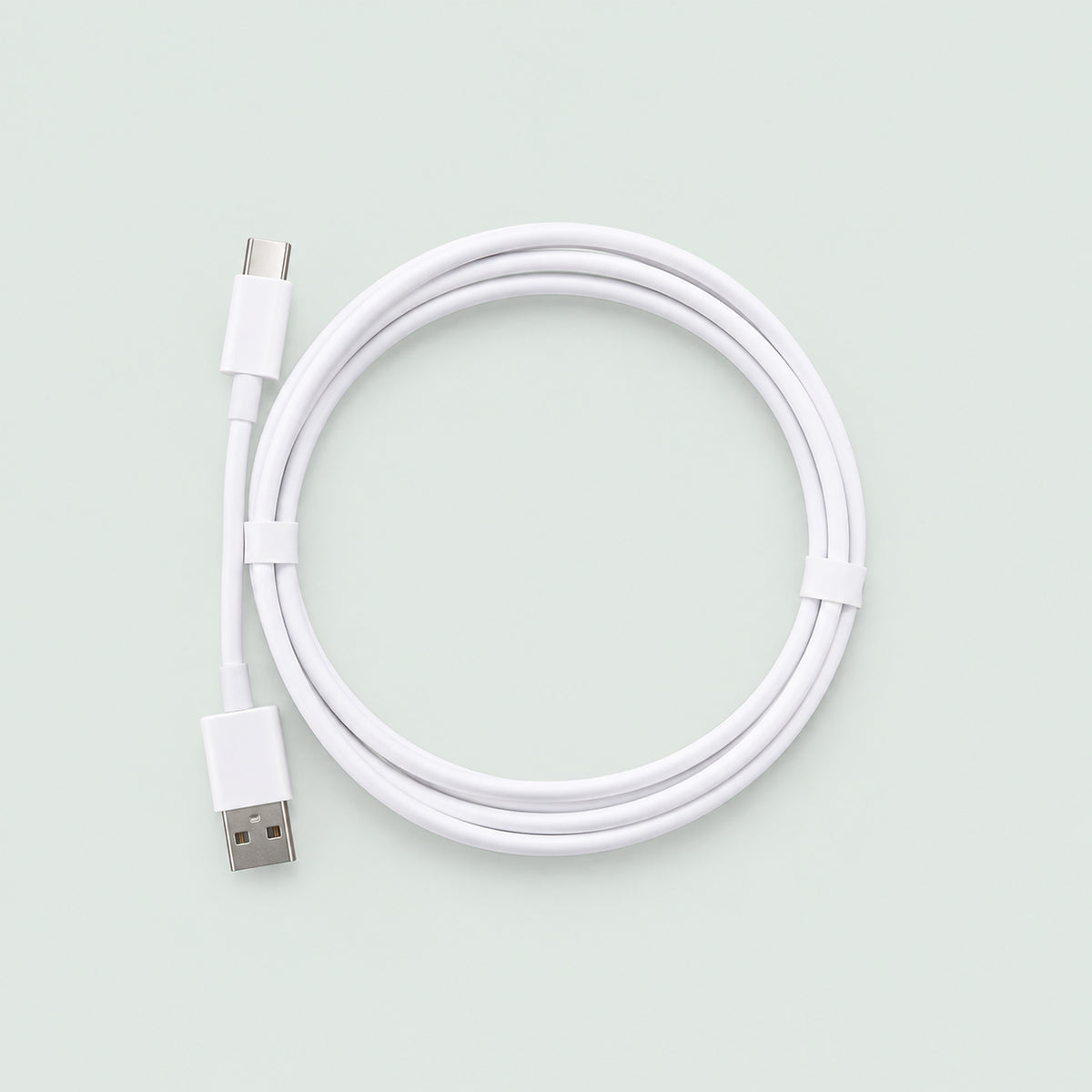
USB Charging Cable
USB Charging Cable
Pick a scene and give them a clue. Can they spot something that flies at the airport or find a creature under the sea? When they find the picture, they tap it to hear its name in English.
Explore 500 English words across 23 illustrated themes
Replay words and practice saying them at their own pace
Press Game for a built-in challenge or listen to the songs
Couldn't load pickup availability

USB Charging Cable
Recharge your Reading Sound Book.
Your FREE Word Play Guide
Your FREE Word Play Guide
Not sure where to start? Little Words, Big Discoveries gives you simple games to enjoy with your Sound Book.
✓ Seven ready-to-play themed adventures
✓ Picture-hunt clues to use together
✓ Six word games to play again and again
✓ A printable discovery log
A digital PDF to help turn book time into playtime.


Give them a clue. See what they find.
Open to the zoo and ask, “Which animal has the longest neck?” When your child spots the giraffe, one tap plays its name in English.
For the next round, look for something that flies at the airport or a creature that swims under the sea.
Then swap roles and let your child give you the clue.
From the smoothie shop to outer space
Let them pick the scene
What goes into a smoothie? What can they spot at a construction site? With 23 illustrated scenes, your child can start with whatever they’re curious about.
Hear the words, then spot them in real life
Tap a picture to hear one of 500 English words. Explore the grocery store page together, then see what your child recognizes on your next shopping trip.
Come back for another round
When they know their way around a favorite scene, press Game for a built-in challenge. When they’re in the mood for music, play one of the book’s songs.
Questions Parents Ask
How does the sound book work?
How does the sound book work?
Switch it on, lay it flat, and press Start on the page you’ve opened. Tap a picture to hear its name. Press Start again when you turn to a new page.
What age is the book for?
What age is the book for?
It’s designed for children ages 3–8. Start with a familiar scene, like the grocery store, and let your child pick what to explore next.
What language is the audio in?
What language is the audio in?
The book plays 500 words in American English across 23 illustrated scenes.
Can my child explore it independently?
Can my child explore it independently?
After you’ve shown them the controls, they can choose pictures and replay words at their own pace. Some children may need help changing pages and pressing Start.
Do we need a phone, app or Wi-Fi?
Do we need a phone, app or Wi-Fi?
No. The audio is built into the book, so your child can listen and play without a phone, app or internet connection.